Commission System
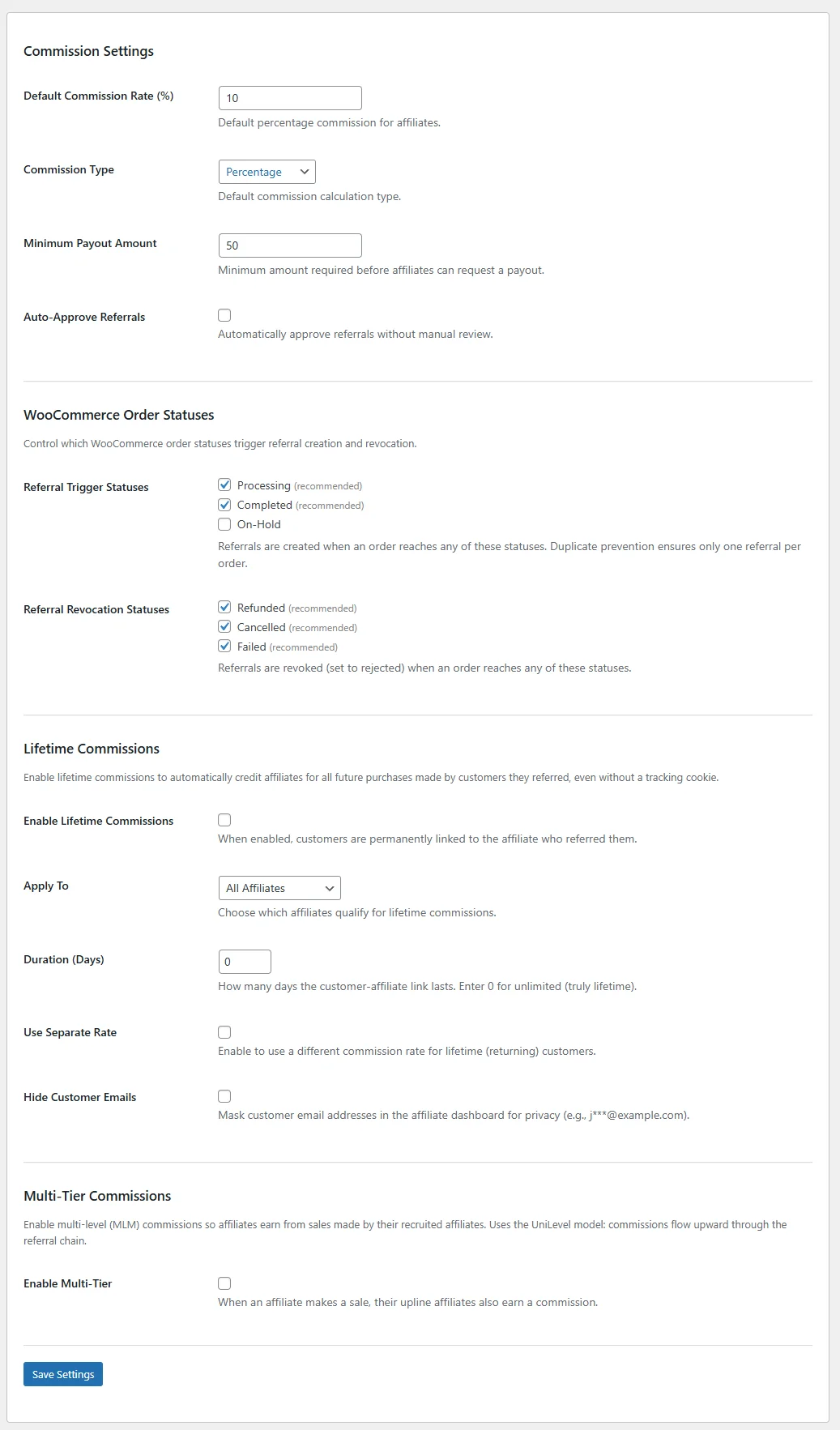
Configure percentage or flat commissions with 7-level priority: affiliate, product, category, tier, campaign, lifetime, and default rates.
Commission Priority
Royal Affiliate Pro features the most flexible commission engine available for WordPress, with 7 priority levels. The system evaluates each level in order and uses the first match it finds.
Pro plans include levels 2, 3, and 7 (affiliate override, product rates, default). Business+ adds levels 1, 4, 5, and 6 (lifetime, category, tier, campaign) — Business unlocks the full 7-level priority chain.
Priority Chain (First Match Wins)
| Priority | Source | Description |
|---|---|---|
| 1 | Lifetime Commission Rate | If the affiliate has lifetime commissions enabled with a custom rate |
| 2 | Affiliate-Specific Rate | Per-affiliate override set in the affiliate edit screen |
| 3 | Product-Specific Rate | Rate set for the specific WooCommerce product being purchased |
| 4 | Category-Specific Rate | Rate set for the product's WooCommerce category |
| 5 | Tier Rate | Rate from the affiliate's assigned commission tier |
| 6 | Campaign Rate | Rate from the currently active campaign |
| 7 | Default Rate | Global default rate from plugin settings |
Commission Types
| Type | Calculation | Example |
|---|---|---|
| Percentage | Sale amount x rate / 100 | $100 sale at 15% = $15 commission |
| Flat | Fixed dollar amount per sale | $10 flat = $10 commission regardless of sale amount |
This 7-level priority chain gives you more granularity than any other WordPress affiliate plugin. Set a default rate for everyone, then override with product, category, tier, or affiliate-specific rates as needed.
Product & Category Rates
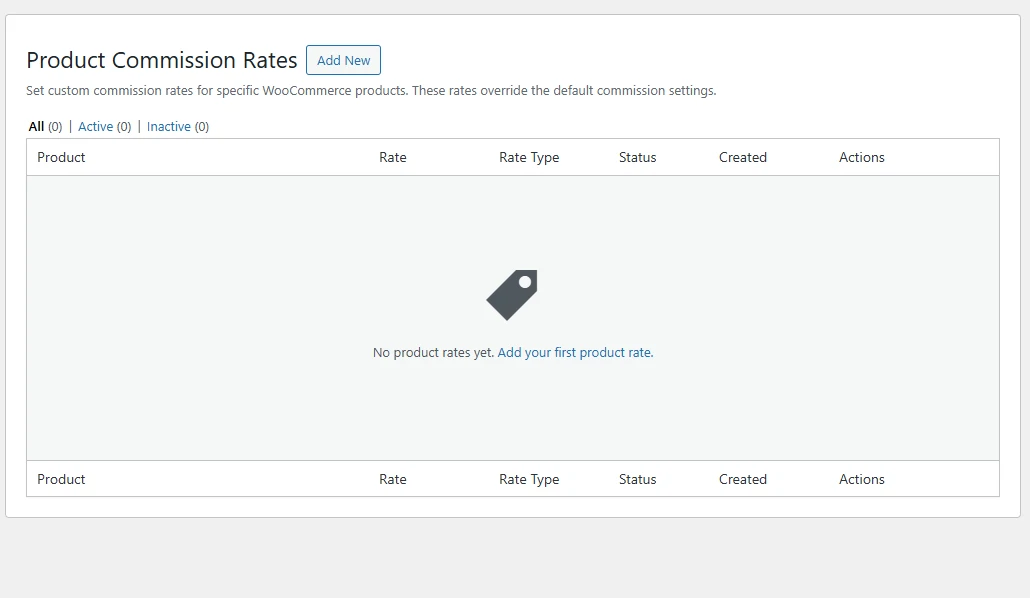
Product-Specific Rates
Set unique commission rates for individual WooCommerce products. This is useful when certain products have higher margins or when you want to incentivize affiliates to promote specific items.
- Select2 search - Quickly find products by name
- Percentage or flat rate - Choose the commission type per product
- Active/Inactive toggle - Enable or disable individual product rates without deleting them
Category-Specific Rates
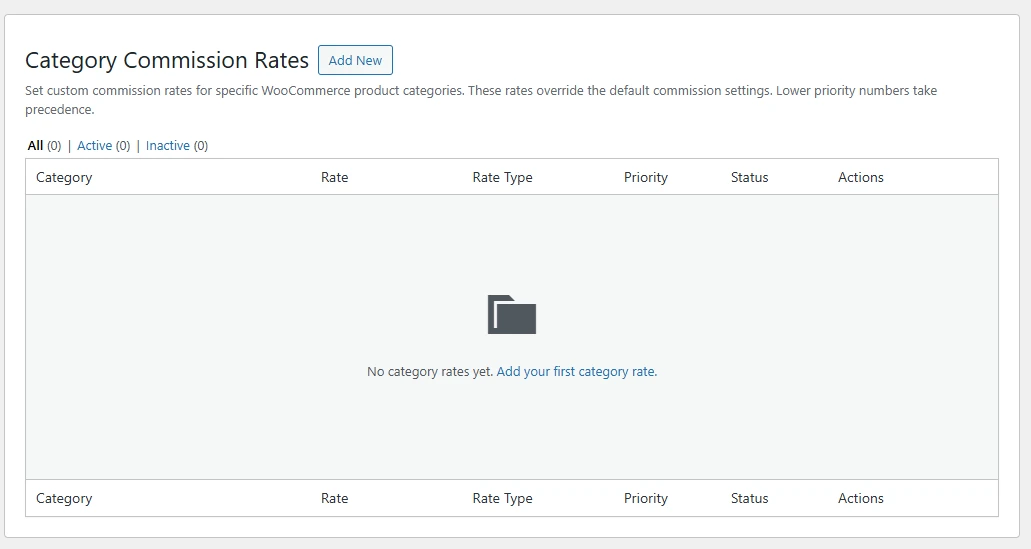
Set commission rates per WooCommerce product category. When a product belongs to multiple categories, the category with the highest priority wins.
- Set rates for any product category
- Priority system resolves conflicts when products belong to multiple categories
- Highest-priority category rate is applied
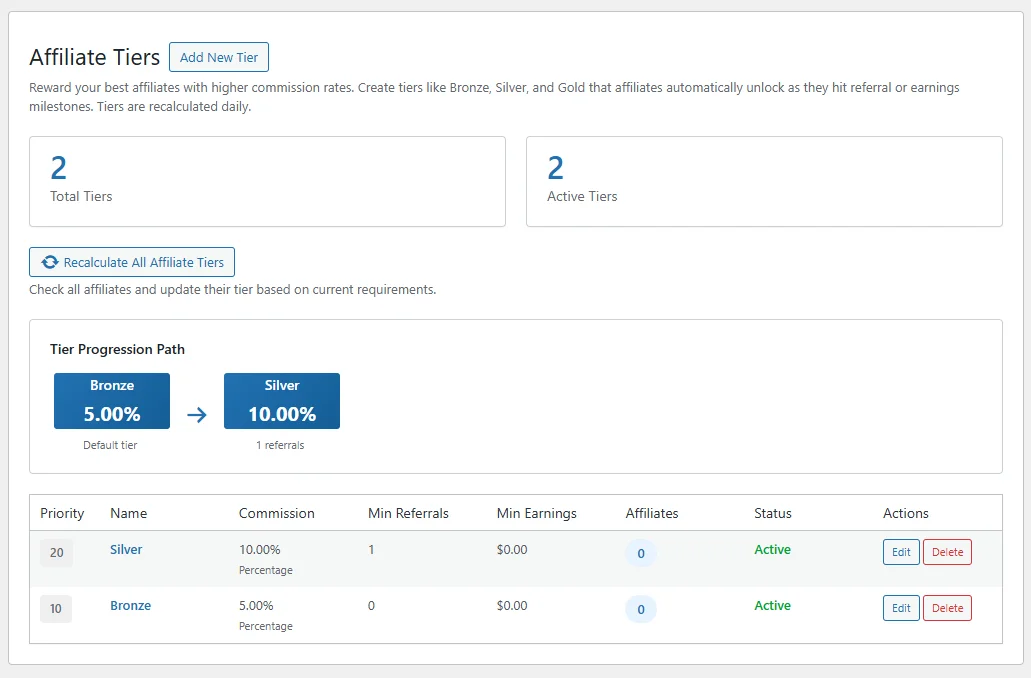
Tiered Commissions
Create multiple commission tiers with automatic progression to reward your top-performing affiliates with higher rates as they grow.
This feature requires a Business or Agency license.
How It Works
- Thresholds - Set minimum referral count AND/OR minimum earnings to advance
- Auto-progression - Affiliates automatically advance when thresholds are met
- Custom rates - Each tier has its own commission rate (percentage or flat)
- Tier badges - Visible on the affiliate dashboard to motivate progression
Example Tier Structure
| Tier | Requirement | Commission Rate |
|---|---|---|
| Bronze | Default (all new affiliates) | 10% |
| Silver | 50 referrals or $1,000 earnings | 15% |
| Gold | 200 referrals or $5,000 earnings | 20% |
| Platinum | 500 referrals or $15,000 earnings | 25% |
Lifetime Commissions
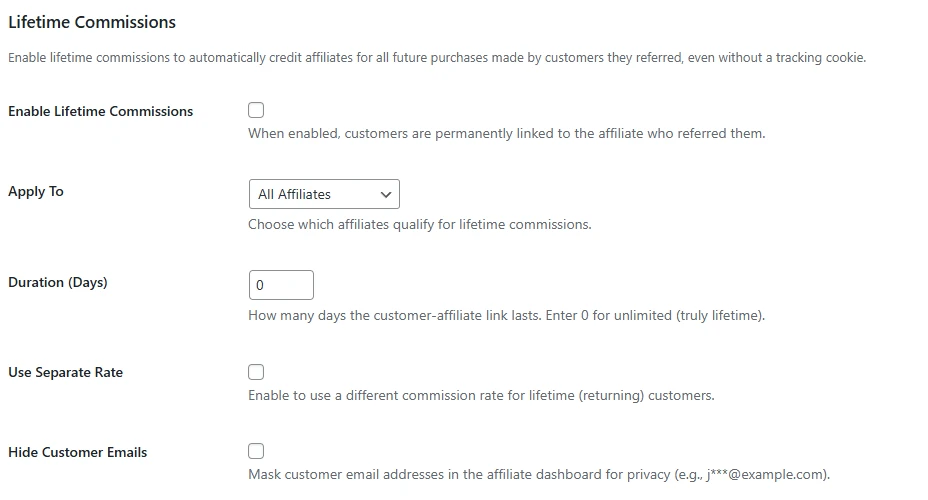
Reward affiliates with recurring commissions from customers they originally referred. Once a customer is linked to an affiliate, all future purchases by that customer earn commissions for the affiliate.
This feature requires a Business or Agency license.
Qualification Criteria
Control which affiliates qualify for lifetime commissions using multiple criteria:
- All Affiliates - Every affiliate earns lifetime commissions
- By Tier - Only affiliates at specific commission tiers
- By Campaign - Only affiliates in specific campaigns
- Minimum Referrals - Requires a minimum number of approved referrals
- Minimum Earnings - Requires a minimum total earnings threshold
- Specific Affiliates - Manually select individual affiliates
Custom Lifetime Rate
Optionally set a custom lifetime commission rate that overrides the default rate. This lets you offer a different (often lower) rate for repeat purchases while still rewarding the original referrer.
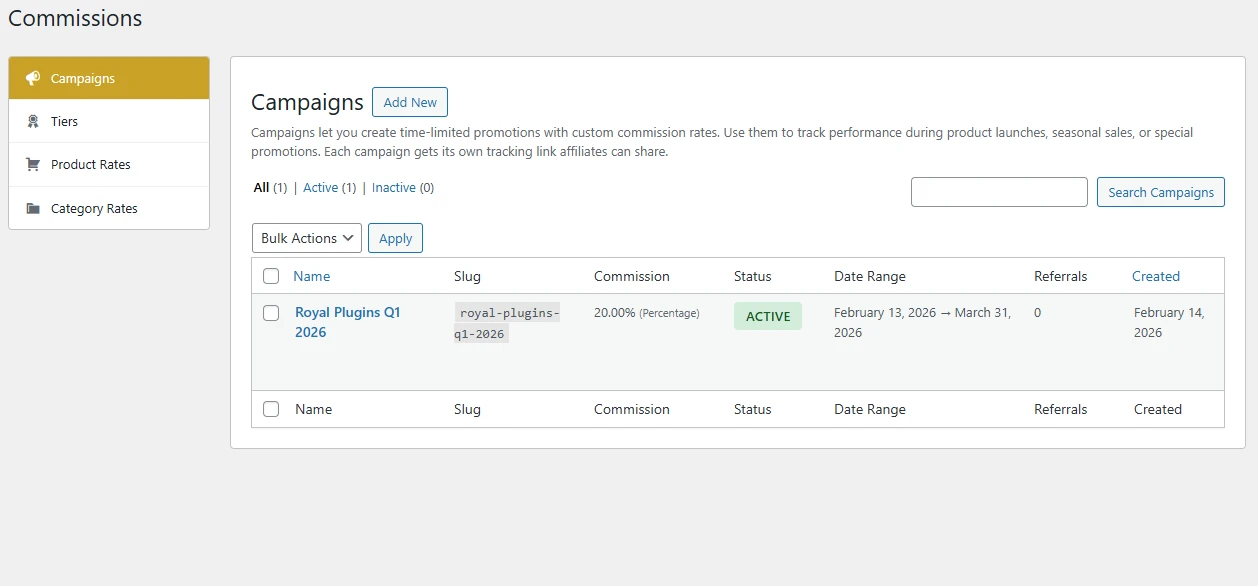
Campaigns
Create time-bound campaigns with custom commission rates to drive focused affiliate activity during promotions, launches, or seasonal events.
This feature requires a Business or Agency license.
Campaign Features
- Start/End dates - Set precise campaign duration
- Custom commission rates - Campaign-specific rates override the default
- Campaign slugs - Track via URL parameter:
?campaign=slug - Creative assignment - Link campaigns to specific marketing materials
- Campaign tracking - Track referrals by campaign in reports