Royal Access runs a WCAG 2.1 AA accessibility audit on any page: alt text, color contrast, headings, ARIA, keyboard navigation, form labels, and more. Plain-English fix hints. Runs entirely locally. No account. No data collection.
The Chrome extension audits any page in your browser; the WordPress plugin runs ongoing audits and remediation on your own site. Different tools, same family — both free forever.
One click. A 0–100 score with a traffic-light ring. Severity label in plain language. Every finding mapped to a specific WCAG success criterion with a concrete fix hint.
Missing alt attribute (critical), generic / filename-like alt text warnings, alt over 250 chars flagged, tracking pixels (1x1) automatically excluded.
No H1 (critical), multiple H1s, levels skipped (H1→H3), empty heading elements — full heading hierarchy tree with order warnings.
WCAG 2.1 AA contrast ratio checks on up to 200 text elements. Critical below 2.5:1 normal text / 3.5:1 large; warning below 4.5:1 / 3.0:1.
Form fields without accessible labels (critical). Checks for/id associations, aria-label, aria-labelledby, and wrapped <label> elements.
Invalid ID references in aria-labelledby, aria-describedby, aria-controls. Clickable non-interactive elements without keyboard support. Positive tabindex values.
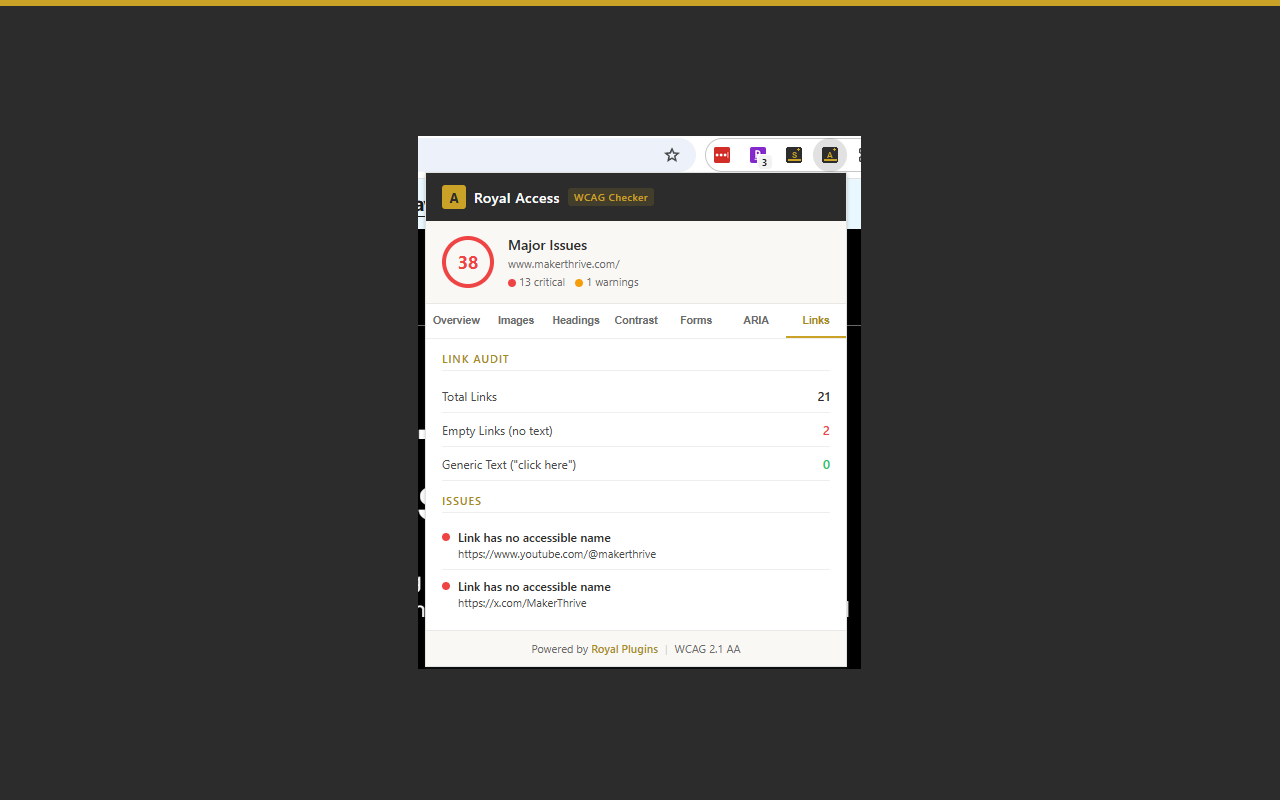
Missing lang, missing page title, viewport that blocks zoom. Links without accessible names (critical), generic link text ("click here", "read more").
The extension runs in a popup next to your toolbar. Click the icon, get results — no page reload, no permissions dialog, no new tab.
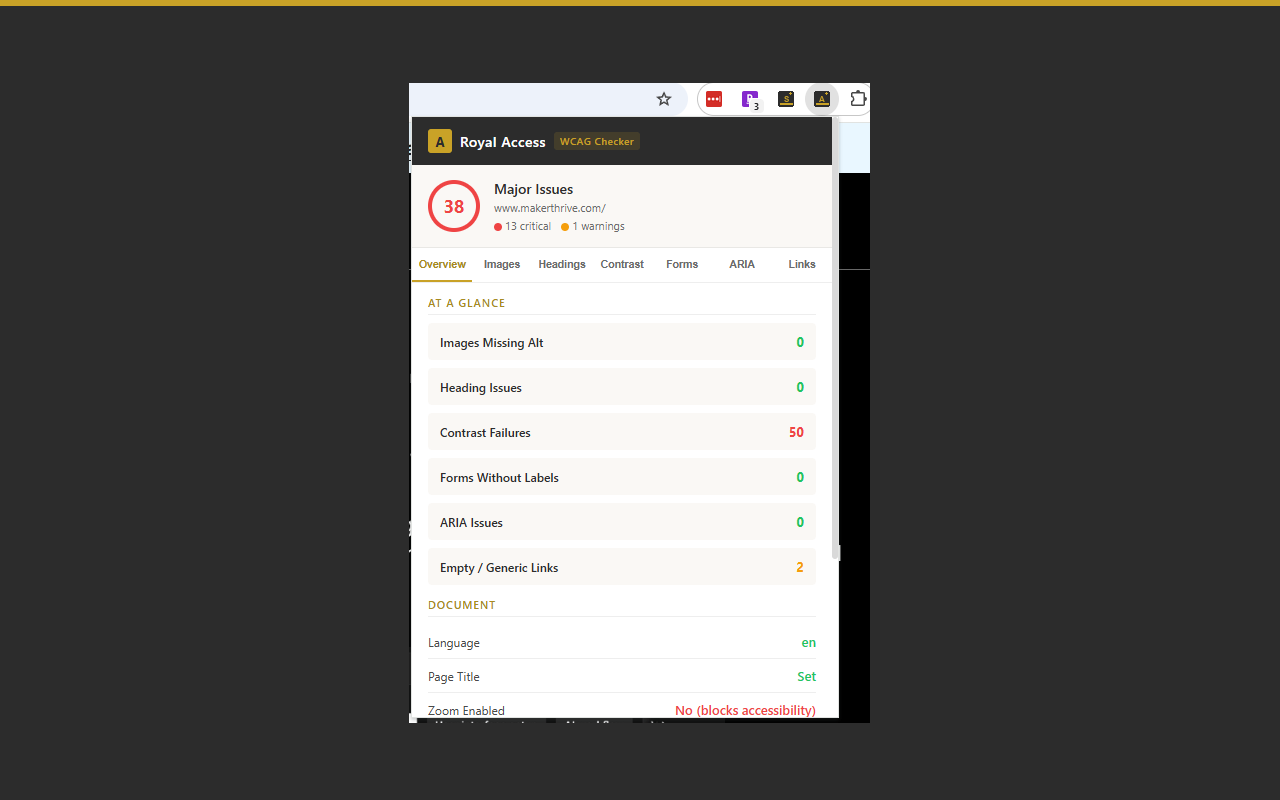
0–100 score with a color-coded ring: green (80+), yellow (60–79), red (below 60). Severity label in plain language. Category cards show at-a-glance issue counts.
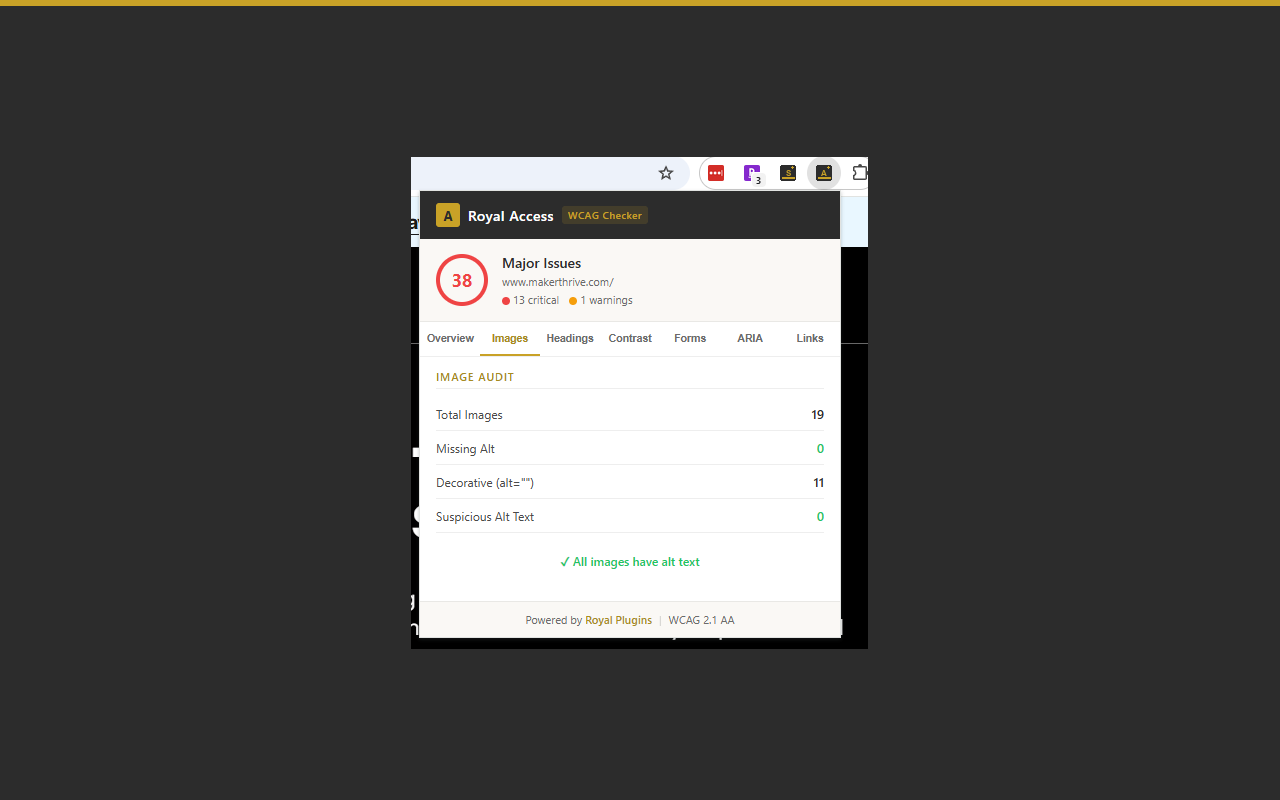
Every image missing alt listed with its src. Generic filename-like alt text flagged. Tracking pixels auto-excluded.
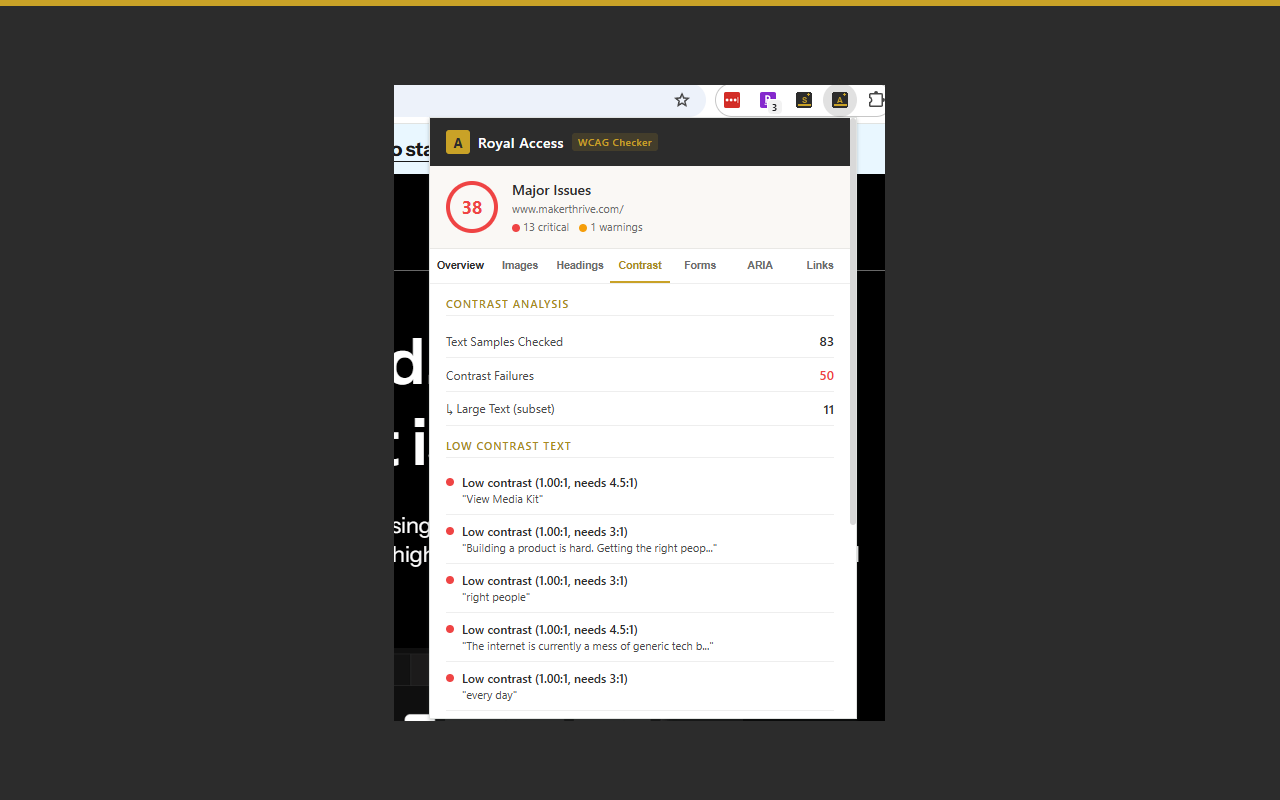
Failed ratios listed with the exact computed ratio and a preview of the text. WCAG 2.1 AA thresholds for normal vs. large text.
Full H1–H6 tree with skipped-level and empty-heading flags. Multiple-H1 warnings. No-H1 critical.
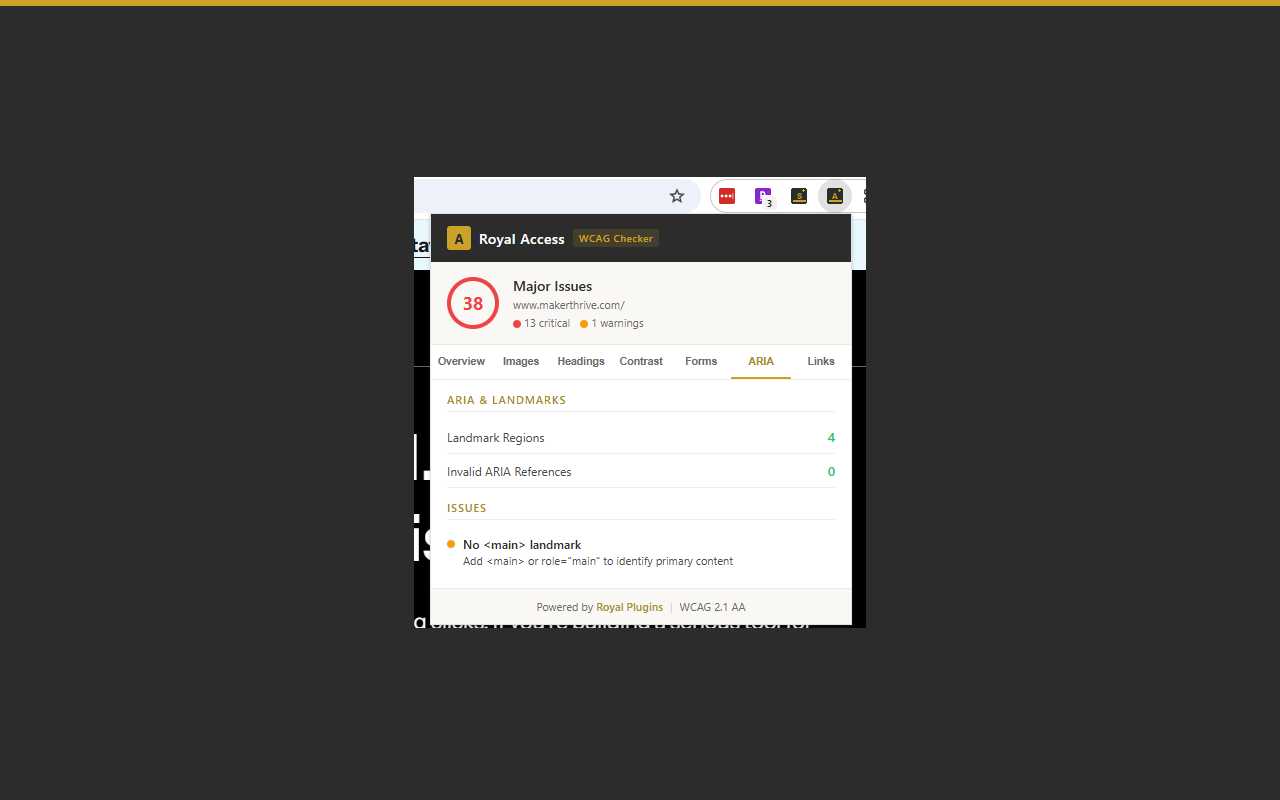
Form fields missing labels, invalid ID references in aria attributes, missing or duplicate <main> landmarks — with specific fix hints.
Whether you're pre-publishing a blog post, auditing a client site, or triaging accessibility risk across a portfolio — one click gives you a WCAG snapshot.
Most accessibility extensions require an account for anything useful, dump raw WCAG codes into DevTools, or ship with <all_urls> host permissions. Royal Access gives you a plain-English audit with the minimum permissions required.
| Capability | Royal Access | Axe DevTools | WAVE |
|---|---|---|---|
| One-click audit (no account) | ✓ | ✗ | account for saved reports |
| 0–100 score with traffic-light ring | ✓ | ✗ | ✗ |
| Plain-English fix hints per issue | ✓ | WCAG codes | ✓ |
| Alt text audit (missing + suspicious) | ✓ | ✓ | ✓ |
| Heading hierarchy tree | ✓ | ✓ | ✓ |
| Color contrast (WCAG 2.1 AA) | ✓ | ✓ | ✓ |
| Form label audit | ✓ | ✓ | ✓ |
| ARIA ID reference validation | ✓ | ✓ | ✗ |
| activeTab permission only | ✓ | ✗ | ✗ |
| Zero data collection | ✓ | ✗ | account data |
Comparison based on each competitor's Chrome Web Store listing and public docs as of April 2026. Features claimed by competitors may have changed since. Axe DevTools and WAVE are more comprehensive tools; Royal Access is purpose-built for fast one-click audits without account friction.
<all_urls> would let an extension read every page you visit — we deliberately don't request that because the audit doesn't need it.Free forever. No account. No data collection. Add it to Chrome and click the toolbar icon on any page you want to audit.