Affiliate Portal
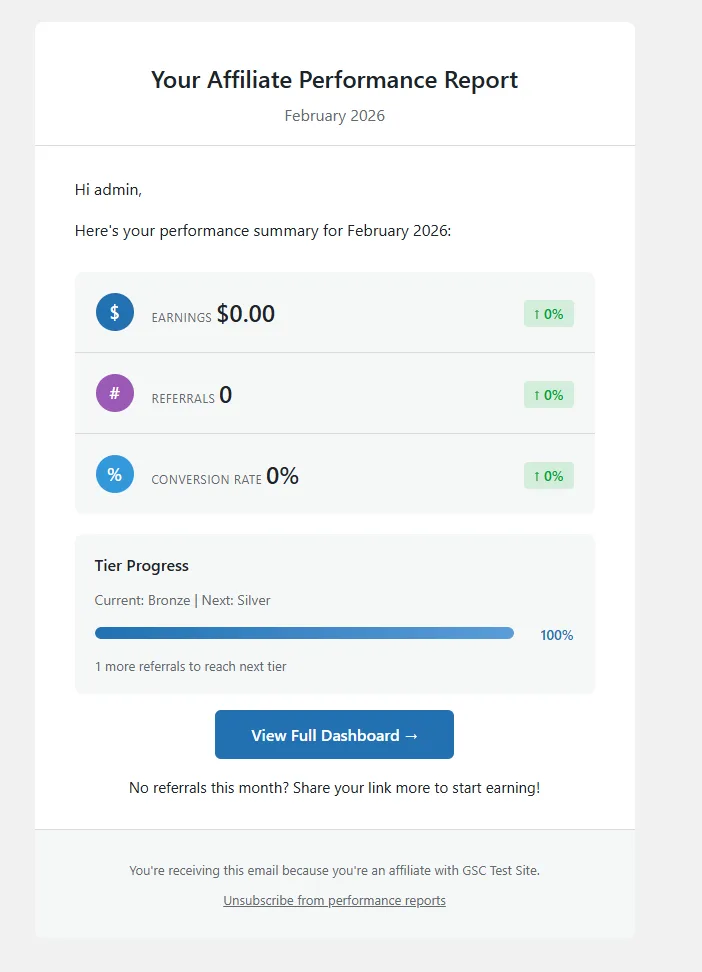
The 7-tab (Pro) or 9-tab (Business+) affiliate dashboard, creative library, merchant messaging, custom registration fields, and monthly reports.
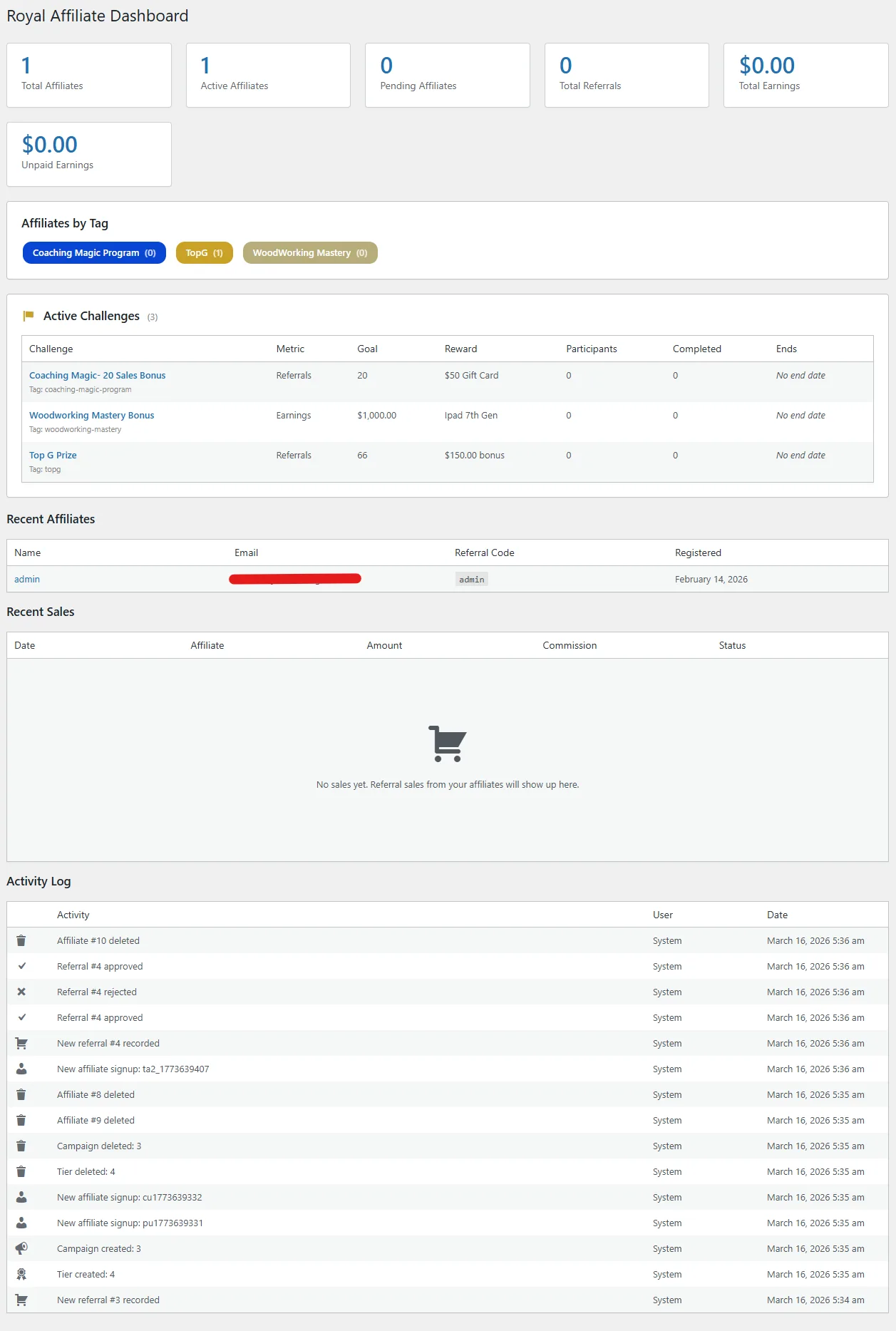
Affiliate Dashboard
Provide your affiliates with a full-featured frontend dashboard using the [rafp_dashboard] shortcode on any WordPress page.
Dashboard Tabs
- Overview - Stat cards (earnings, unpaid balance, referrals, conversion rate), recent referrals table, and request payout button
- Referrals - Full referral history with status filters, date range picker, and pagination
- Payouts - Complete payout history with status tracking
- Links - Custom link generator, referral link copy, and QR code generation
- Creatives - Banner and text marketing materials with one-click embed code
- Coupons - Assigned coupon codes with usage stats, revenue generated, and conversion counts (Pro)
- Challenges - Active challenges with progress bars, completed challenges with rewards, leaderboard rankings (Business)
- Settings - Payment preferences, profile fields (phone, address), notification toggles, Stripe Connect / PayPal configuration
- Team - Direct recruits table and tier earnings (only visible when multi-tier is enabled)
Additional Shortcodes
| Shortcode | Description |
|---|---|
[rafp_registration_form] |
Affiliate registration form for new signups |
[rafp_dashboard] |
Affiliate dashboard (7-tab Pro, 9-tab Business+) |
[rafp_referral_link] |
Display the affiliate's referral link |
[rafp_stats] |
Affiliate stats widget (earnings, referrals) |
[rafp_conversion] |
Standalone conversion tracking pixel |
[rafp_leaderboard] |
Public affiliate leaderboard (Business) |
Creatives
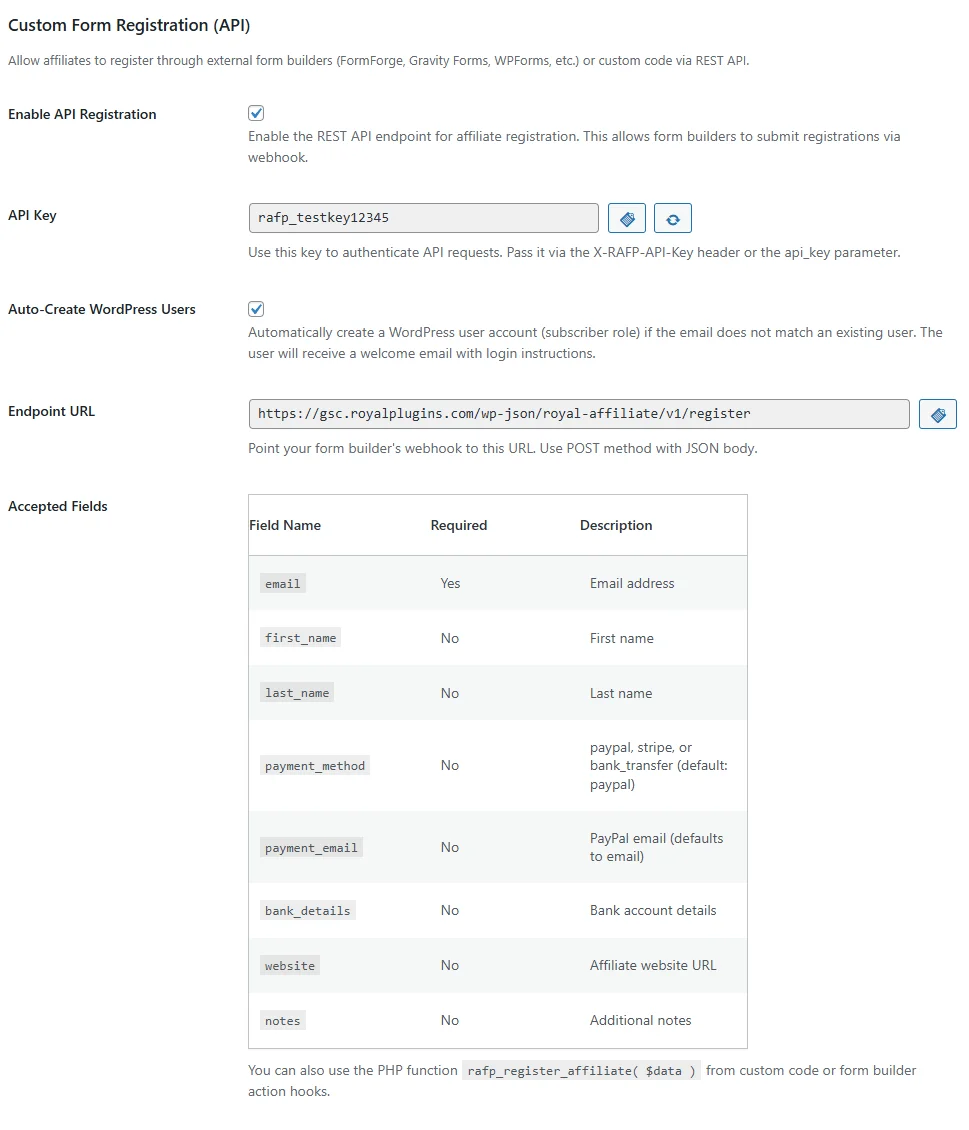
Provide your affiliates with professional banner and text-based marketing materials they can embed on their own sites.
Banner Creatives
- 15+ IAB standard banner sizes - 728x90, 300x250, 160x600, and more
- Custom image upload - Upload banners or use a URL
- Campaign assignment - Link creatives to specific campaigns
Text Creatives
- Custom HTML-based text creatives
- Affiliate link automatically embedded
Embed Formats
Affiliates can copy their creative embed code in 5 formats:
- HTML Link - Standard anchor tag
- HTML Image - Image with affiliate link
- JavaScript - Dynamic embed script
- WordPress Shortcode - For WordPress sites
- BB Code - For forum posting
Communications
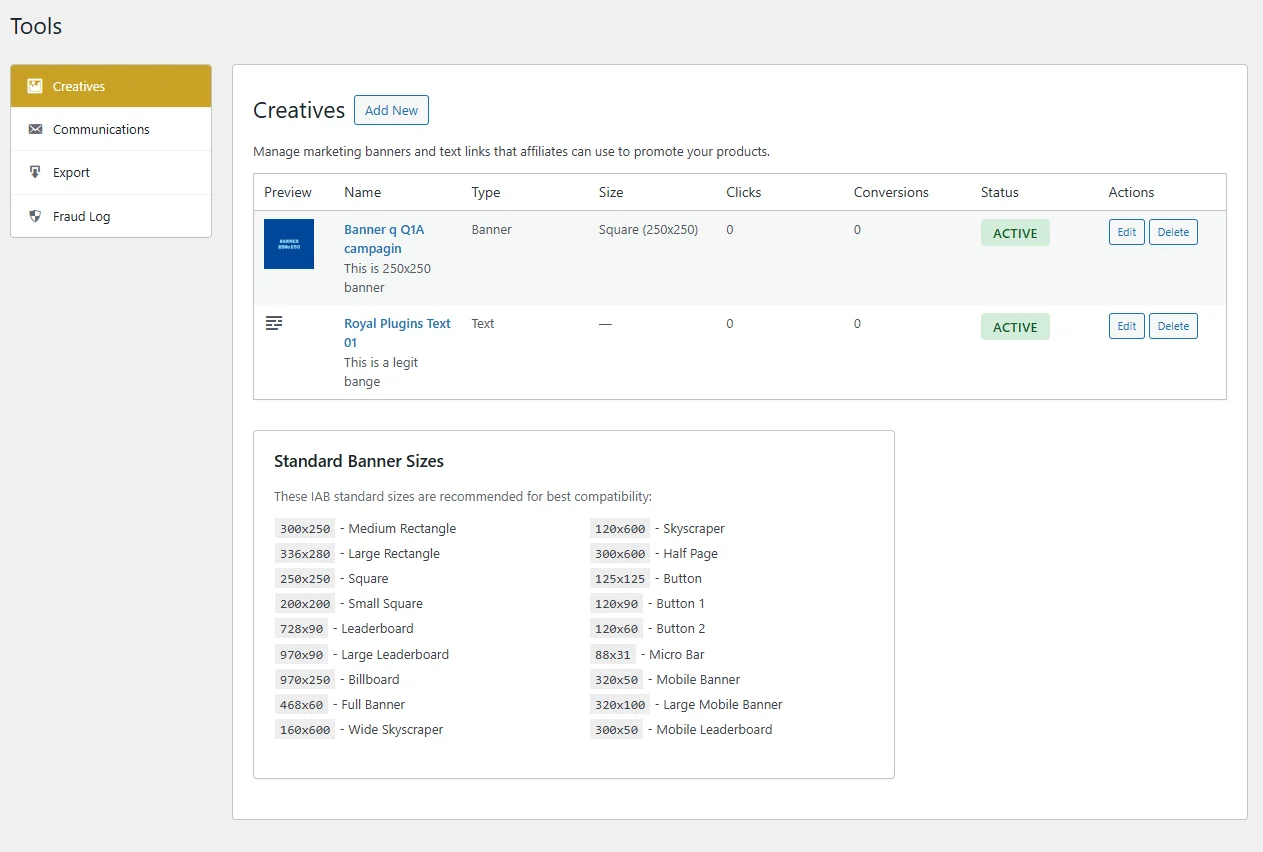
Send targeted bulk emails to groups of affiliates directly from the admin panel.
Filtering Recipients
Narrow your audience using multiple filters:
- Status — Active, pending, or inactive affiliates
- Tier — Target specific commission tiers
- Minimum earnings — Only affiliates who have earned above a threshold
- Minimum referrals — Only affiliates with a minimum referral count
- Tags — Filter by affiliate tags
Personalization Tokens
Use these tokens in your email subject and body — they're automatically replaced per recipient:
{name}— Affiliate's display name{referral_code}— Their unique referral code{earnings}— Total earnings to date{referrals}— Total referral count
Custom Registration Fields
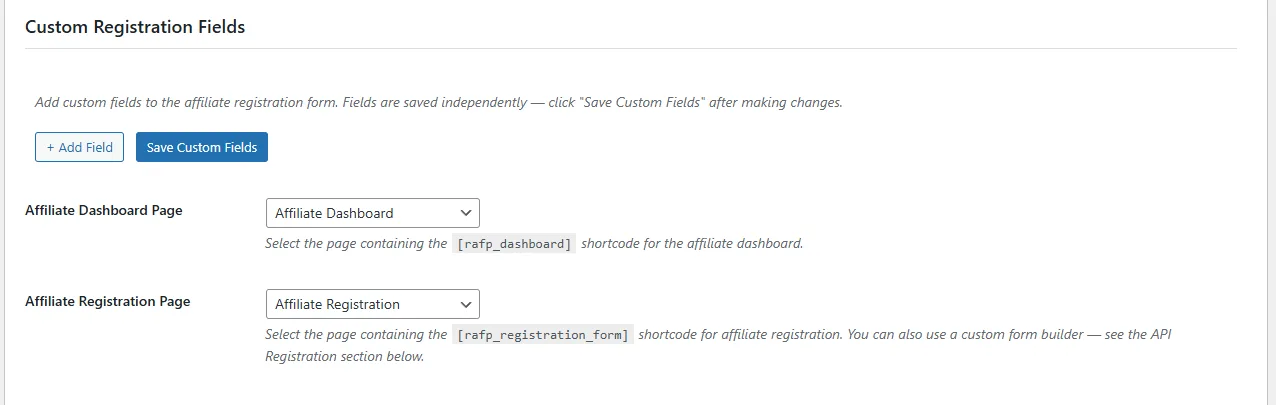
Add custom fields to the affiliate registration form to collect additional information from applicants.
Supported Field Types
- Text — Single-line text input
- Textarea — Multi-line text input
- Dropdown — Select from predefined options
- Checkbox — Yes/no toggle
- URL — Website URL with validation
- Email — Email address with validation
- Phone — Phone number input
Setup
- Go to Tools → Custom Fields
- Click Add Field and select the field type
- Enter the field label, placeholder text, and whether it's required
- For dropdown fields, add the available options
- Drag to reorder fields
- Save — fields immediately appear on the
[rafp_registration_form]shortcode
Data Storage
Custom field values are stored as WordPress user meta. They're accessible in the admin affiliate detail view and included in REST API responses and CSV exports.
Monthly Reports
Automated monthly performance reports are emailed to each affiliate on the 1st of every month at 9:00 AM (site time).
Report Contents
- Total referrals and earnings for the month
- Month-over-month comparison with previous period
- Payout summary
- Top performing products by commission
- Tier progress (if applicable)
Affiliate Controls
Each report email includes an unsubscribe link so affiliates can opt out of monthly reports without affecting other email notifications.
Admin Preview
Preview the report template from Settings → Email → Preview Monthly Report before it goes out.