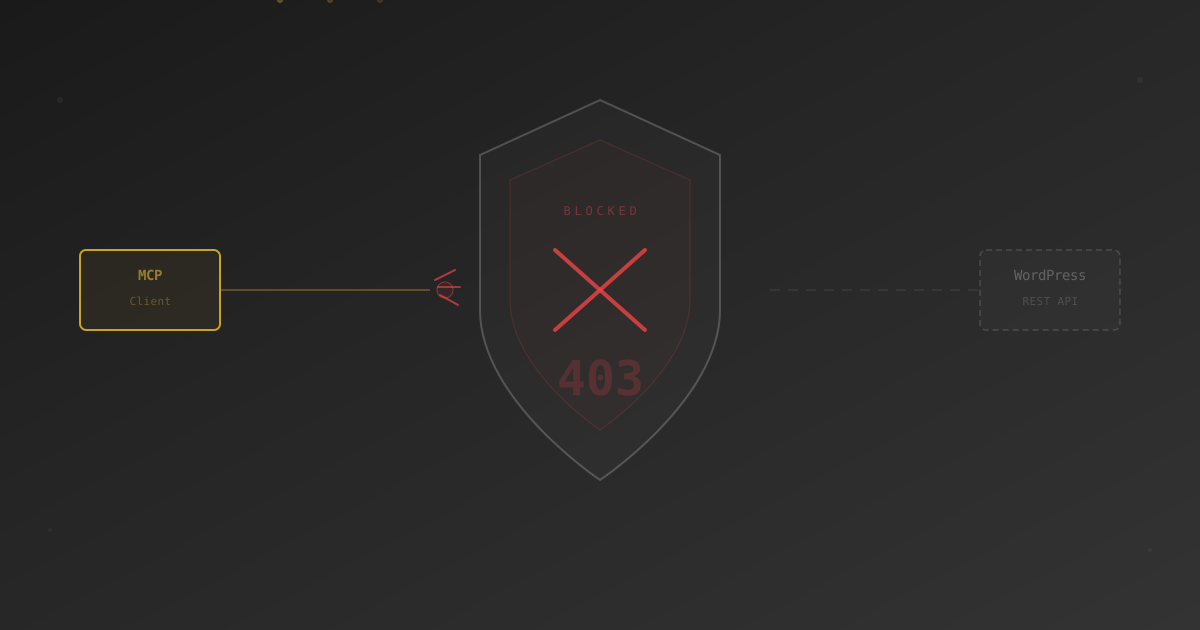
You set up an MCP server to connect Claude, Cursor, or another AI assistant to your WordPress site. It works perfectly on localhost. You deploy to production and… nothing. No error message in WordPress. No failed login. Just silence.
The culprit? A single toggle in your Cloudflare dashboard: "Block AI Bots."
This feature was designed to stop AI scrapers like GPTBot and CCBot from crawling your content. But it uses heuristic detection that doesn't distinguish between a scraper harvesting your blog posts and a legitimate MCP server reading your site's REST API. To Cloudflare, they look the same — and both get blocked.
What Actually Happens When MCP Gets Blocked
When Cloudflare's bot detection intercepts an MCP request, it doesn't return a clean error. Instead, your MCP client receives one of these:
- A
403 Forbiddenresponse with a Cloudflare error page (HTML, not JSON) - A Cloudflare JS challenge page that the MCP client can't solve
- A
503 Service Temporarily Unavailableduring high-sensitivity periods
The MCP client expects JSON from the WordPress REST API. When it gets an HTML challenge page instead, it typically throws a generic "connection failed" or "unexpected response" error. Nothing in the error message points to Cloudflare as the cause.
The blocking happens at the CDN edge, before the request ever reaches WordPress. Your WordPress debug logs will show nothing. Your MCP server logs will show nothing. Only Cloudflare's Firewall Events log (Security → Events) will show the blocked request.
How to Confirm Cloudflare Is the Problem
Before changing any settings, verify the diagnosis:
- Check Firewall Events: In your Cloudflare dashboard, go to Security → Events. Filter by your domain and look for blocked requests to
/wp-json/paths. The "Service" column will show "Bot Management" or "AI Bots" if this is the issue. - Test with Cloudflare bypassed: Temporarily add your IP to Cloudflare's IP Access Rules as "Allow" and test your MCP connection. If it works, Cloudflare is confirmed as the blocker.
- Check response headers: If you can capture the raw HTTP response from your MCP client, look for
cf-mitigated: challengeorserver: cloudflareheaders combined with a non-200 status code.
The Fix: A Targeted WAF Rule
You don't need to disable "Block AI Bots" entirely. Instead, create a WAF custom rule that exempts only your MCP endpoint while keeping bot protection active for everything else.
Step 1: Open WAF Custom Rules
In your Cloudflare dashboard: Security → WAF → Custom rules → Create rule
Step 2: Configure the Rule
Rule name: Allow MCP API Access


When incoming requests match:

  Field: URI Path

  Operator: starts with

  Value: /wp-json/royal-mcp/v1/


Then: Skip

Skip: All remaining custom rulesThe URI path above is for Royal MCP. If you use a different MCP server plugin, change the path to match your endpoint. Common patterns: /wp-json/mcp/v1/ or /wp-json/wp-mcp/v1/.
Step 3: Set Rule Priority
Drag the rule to the top of your custom rules list. WAF rules are evaluated in order — if a bot-blocking rule fires first, your skip rule never executes.
Step 4: Verify
Test your MCP connection again. If you're still seeing blocks, check the Firewall Events log for a different rule or service that might be catching the request (Super Bot Fight Mode, for example, requires a separate configuration).
Hardening the Rule (Optional)
The basic rule above works, but you can make it more precise:
Restrict by IP
If your MCP client always connects from a known IP (like your development machine or a CI server), add an IP condition:
When incoming requests match:

  URI Path starts with /wp-json/royal-mcp/v1/

  AND

  IP Source Address equals 203.0.113.42
Restrict by Header
Some MCP clients send a custom User-Agent or Authorization header. You can match on these for tighter scoping:
When incoming requests match:

  URI Path starts with /wp-json/royal-mcp/v1/

  AND

Request Header "Authorization" contains "Basic"MCP endpoints are already protected by WordPress authentication (application passwords or API keys). The WAF rule only skips Cloudflare's bot heuristics — rate limiting, DDoS protection, and managed rulesets remain active. The actual security boundary is WordPress auth, not Cloudflare bot detection.
What About Super Bot Fight Mode?
Cloudflare's "Block AI Bots" toggle lives under Security → Bots. But there's a separate feature called Super Bot Fight Mode (SBFM) that can also block MCP traffic.
SBFM categorizes traffic as "Definitely automated," "Likely automated," and "Verified bots." MCP servers will always be flagged as "Definitely automated" because they are automated — that's the point.
If you're on a Free or Pro plan, SBFM settings are limited. You may need to disable SBFM entirely or upgrade to Business/Enterprise to get the granular WAF rules that allow path-based exceptions.
On Cloudflare's free plan, you cannot create WAF custom rules that skip bot detection for specific paths. Your options are: disable "Block AI Bots" entirely, or add your IP to the allow list. The Pro plan ($20/month) includes custom WAF rules.
This Isn't Just a Cloudflare Problem
Any CDN or WAF that implements AI bot blocking can cause the same issue. We've seen similar reports with:
- Sucuri WAF: Its "Block Aggressive Bots" setting can intercept REST API calls
- Wordfence: Rate limiting rules may throttle rapid MCP tool calls
- AWS WAF: Bot Control rules with AI bot category enabled
- Fastly: Signal-based bot detection on API endpoints
The fix pattern is the same everywhere: identify the endpoint path, create an exception rule, and verify with a test request.
For the step-by-step setup guide for Royal MCP, including authentication configuration and available tools, see our Royal MCP documentation.