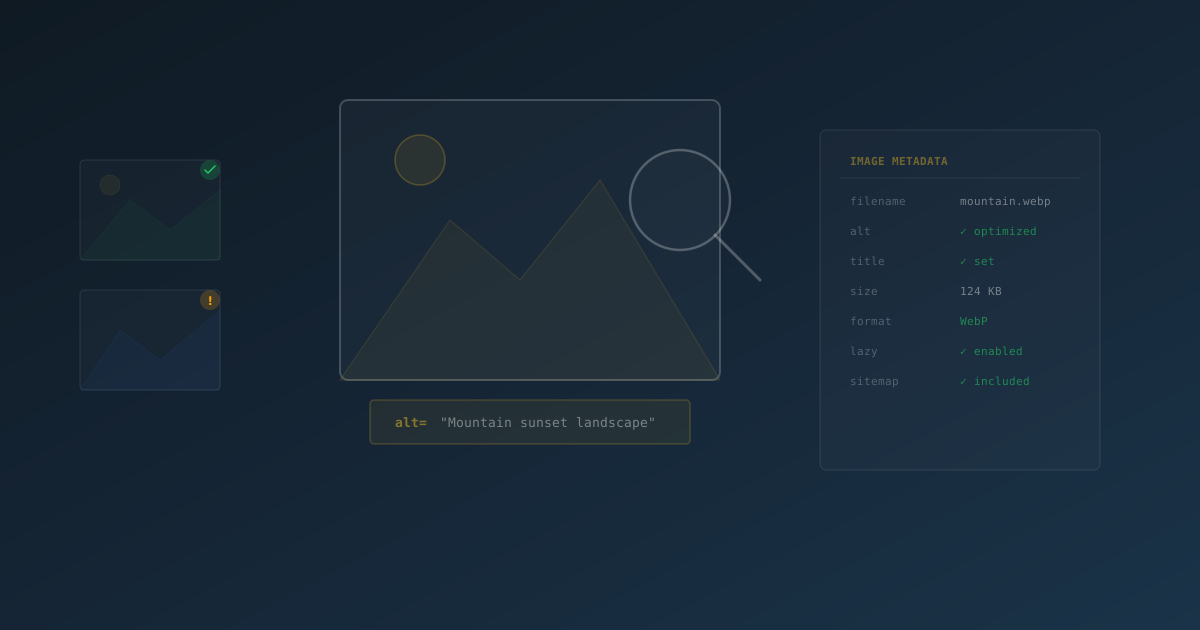
Images make up roughly 50% of a typical web page's total weight, yet most WordPress site owners treat image optimization as an afterthought. They upload photos straight from their camera, leave ALT text blank, and wonder why their content never shows up in Google Image Search.
That is a missed opportunity. Google Image Search drives billions of queries every day. For e-commerce stores, recipe blogs, travel sites, and portfolio pages, image search traffic can represent 20-40% of total organic visits. And it all starts with a few fundamentals that most sites get wrong.
This guide covers everything you need to know about image SEO in WordPress — from ALT text and file naming to image sitemaps and automated optimization. Whether you do it manually or use a plugin like SEObolt, the principles are the same.
Why Image SEO Matters More Than You Think
Search engines cannot "see" images the way humans do. They rely on text signals — ALT attributes, filenames, captions, and surrounding content — to understand what an image depicts and whether it is relevant to a search query.
Getting these signals right affects four things:
- Google Image Search rankings — properly optimized images appear in image search results, driving additional traffic to your pages
- Page-level SEO — images with keyword-relevant ALT text reinforce the topical relevance of the entire page
- Accessibility — screen readers depend on ALT text to describe images to visually impaired users. This is not optional; it is a legal requirement under WCAG and ADA compliance
- AI and LLM visibility — large language models increasingly reference image descriptions when summarizing content. Descriptive ALT text makes your content more likely to be cited
Sites that add descriptive ALT text to all images typically see a measurable increase in organic traffic within 4-8 weeks — often from queries they were not explicitly targeting.
ALT Text: The Foundation of Image SEO
The alt attribute is the single most important image SEO element. It tells search engines and screen readers what an image shows. Without it, your image is invisible to both.
What Good ALT Text Looks Like
Effective ALT text is descriptive, concise, and naturally includes relevant keywords without stuffing.
| Bad ALT Text | Good ALT Text | Why |
|---|---|---|
image |
Blue running shoes on a white background |
Descriptive and specific |
IMG_3847 |
Chocolate cake with ganache frosting |
Describes the actual content |
shoes shoes shoes buy shoes |
Women's trail running shoes in forest green |
Natural language, not keyword-stuffed |
| (empty) | SEObolt dashboard showing SEO score of 92 |
Any description beats no description |
When to Leave ALT Text Empty
Purely decorative images — background patterns, spacers, ornamental dividers — should use an empty alt="" attribute. This tells screen readers to skip the image entirely. Do not leave the attribute missing; include it with an empty value.
WordPress uses the image filename as the default title in the Media Library but does not auto-generate ALT text. If you do not manually enter ALT text, the attribute is left empty in the HTML output.
Image File Names: Your First SEO Signal
Google uses the filename as a contextual signal, especially when ALT text is missing or generic. A descriptive filename gives search engines a head start before they even look at the ALT attribute.
| Bad Filename | Good Filename |
|---|---|
IMG_3847.jpg |
blue-running-shoes.jpg |
DSC0001.png |
chocolate-cake-recipe.png |
screenshot-2026.png |
seobolt-dashboard-overview.png |
photo1.jpg |
downtown-chicago-office.jpg |
Best practices for file naming:
- Use hyphens between words (not underscores or spaces) — Google treats hyphens as word separators
- Keep names descriptive but concise — 3 to 5 words is ideal
- Include a relevant keyword naturally when it makes sense
- Rename files before uploading — WordPress uses the original filename, and changing it after upload does not update the URL
Image Sitemaps: Help Google Find Every Image
A standard XML sitemap lists your pages, but it does not include images. An image sitemap is a dedicated XML file (or extension to your main sitemap) that lists every image on your site along with metadata like ALT text, captions, and the page each image appears on.
Image sitemaps are especially important for:
- JavaScript-loaded images — images rendered via JS are harder for crawlers to discover
- CSS background images — these are invisible to standard HTML parsing
- Large media libraries — ensures every image gets indexed, not just the ones Google finds through page crawling
- New sites — accelerates image indexing during the initial crawl period
When enabled, SEObolt creates a /sitemap-images.xml file that includes image URLs, ALT text, titles, and associated page URLs. Toggle it on under SEObolt > Settings > Sitemap > Image Sitemap.
Automating Image SEO with SEObolt
Manually writing ALT text for every image is ideal but impractical for sites with hundreds or thousands of images. This is where automation fills the gap — handling the images you miss while preserving the ones you write by hand.
SEObolt's Image SEO module provides four key automations:
| Feature | What It Does |
|---|---|
| Auto ALT Text | Generates ALT attributes for images that are missing them, using customizable templates |
| Auto Title Attribute | Optionally adds title attributes to images (hover text) |
| Filename Cleanup | Strips hyphens and underscores from filenames and capitalizes words for cleaner output |
| Image Sitemap | Generates a dedicated XML sitemap with all images and their metadata |
ALT Text Templates
SEObolt uses template variables to generate ALT text dynamically. You can combine variables for more specific output:
| Variable | Output | Example |
|---|---|---|
%filename% |
Cleaned image filename | "Blue Running Shoes" |
%post_title% |
Title of the containing post | "Best Running Shoes 2026" |
%site_name% |
Your site title | "My Store" |
%category% |
Primary post category | "Footwear" |
%focus_keyword% |
Post's focus keyword | "running shoes" |
The default template %filename% works well if your files are named descriptively. For sites where filenames are generic (camera defaults), %post_title% - %filename% produces better results.
SEObolt only fills in ALT text when the attribute is empty. If you have manually written ALT text on an image, it is always preserved. Auto-generation happens on page render, not in the database.
How Image SEO Affects Your SEO Score
SEObolt's content analysis evaluates image optimization as part of your overall SEO score. Here is what it checks:
| Check | Impact | How to Pass |
|---|---|---|
| Has Images | Content quality score | Include at least one image in your content |
| ALT Text Present | 5 points | All images must have ALT attributes |
| Keyword in ALT | Bonus within ALT check | Your focus keyword appears in at least one ALT tag |
| Image File Size | Flagged if oversized | Keep images under 500KB |
Pages with all image checks passing consistently score 10-15 points higher in overall SEO analysis compared to pages with missing ALT text.
Image SEO Checklist
Use this as a quick reference every time you add images to a WordPress post or page:
- Rename the file before uploading — use descriptive, hyphenated names
- Compress the image — keep files under 500KB (use WebP format when possible)
- Write ALT text — describe what the image shows in plain language
- Include your focus keyword in at least one image's ALT text naturally
- Set image dimensions — specify width and height to prevent layout shifts (CLS)
- Use responsive images — WordPress generates multiple sizes by default; make sure
srcsetis not disabled - Enable lazy loading — WordPress adds
loading="lazy"by default since version 5.5 - Enable image sitemap — ensure your SEO plugin generates one
- Check robots.txt — make sure image directories are not blocked from crawling
- Add captions where appropriate — users read captions 300% more often than body text
- Verify your meta tags — use our Meta Tag Checker to confirm your og:image tags are set correctly so images display properly when shared on social media
Common Image SEO Mistakes to Avoid
- Keyword stuffing ALT text — writing "shoes buy shoes best shoes cheap shoes" instead of a natural description. Google penalizes this.
- Using the same ALT text on every image — each image should have unique, descriptive ALT text that matches what it actually shows
- Forgetting decorative images — icons, borders, and spacers should have
alt="", not be left without an ALT attribute entirely - Uploading massive files — a 5MB hero image slows your page by seconds. Compress before uploading, or use a plugin that handles it automatically
- Blocking image directories in robots.txt — if Googlebot cannot access
/wp-content/uploads/, none of your images will be indexed - Ignoring image sitemaps — without one, Google may miss images that are loaded dynamically or buried deep in your site architecture
The title attribute (hover tooltip) is not a substitute for ALT text. Search engines primarily use ALT text for image understanding. Most sites do not need title attributes on images at all.